

PowerPoint Slides Productivity Add-in | Bulk Edit, Paste, and Background Tools for Teachers
Save Time and Work Smarter in PowerPoint!
Are you a teacher, curriculum designer, or content creator frustrated with repetitive tasks in Microsoft PowerPoint? Wish you could save hours by editing, pasting, and designing multiple slides all at once?
The PowerPoint Slides Productivity Add-in is exactly what you need!
✅ Try Before You Buy
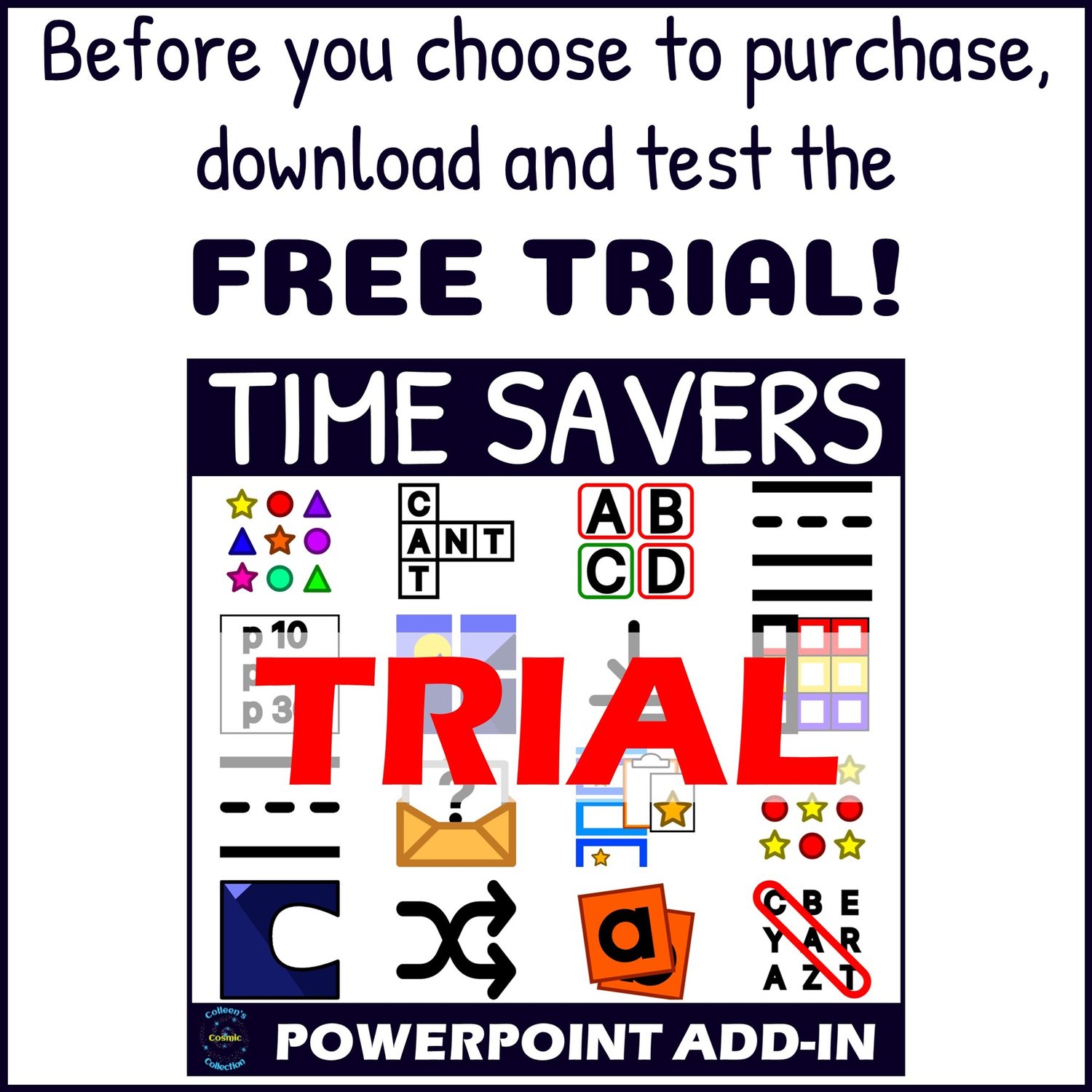
Before purchasing, download and test the free trial to ensure compatibility with your version of PowerPoint.
What Can You Do with the Slides Productivity Add-in?
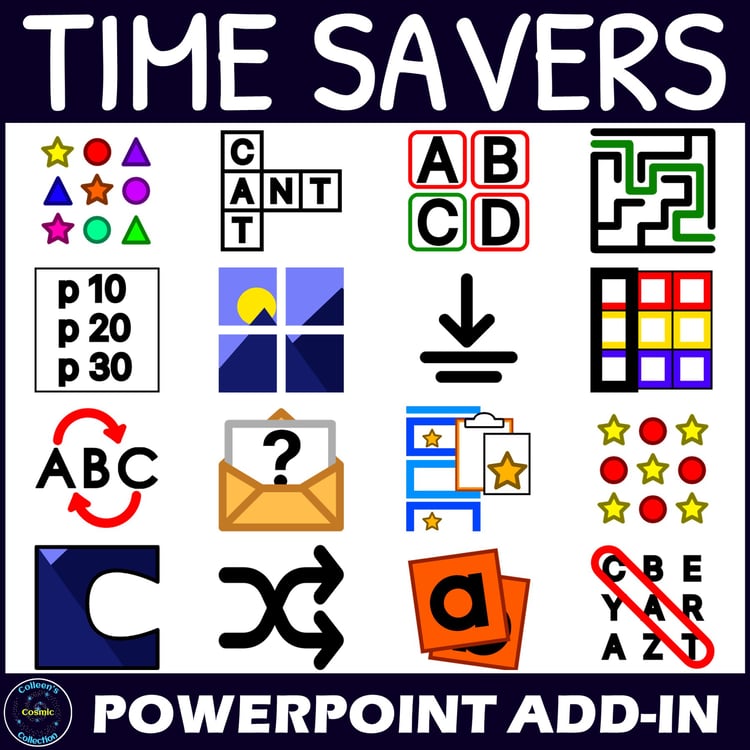
Unlock the full Slides group on the Content tab of the Time Savers Add-in and discover powerful batch-editing tools designed for educators and content creators who work with PowerPoint every day.
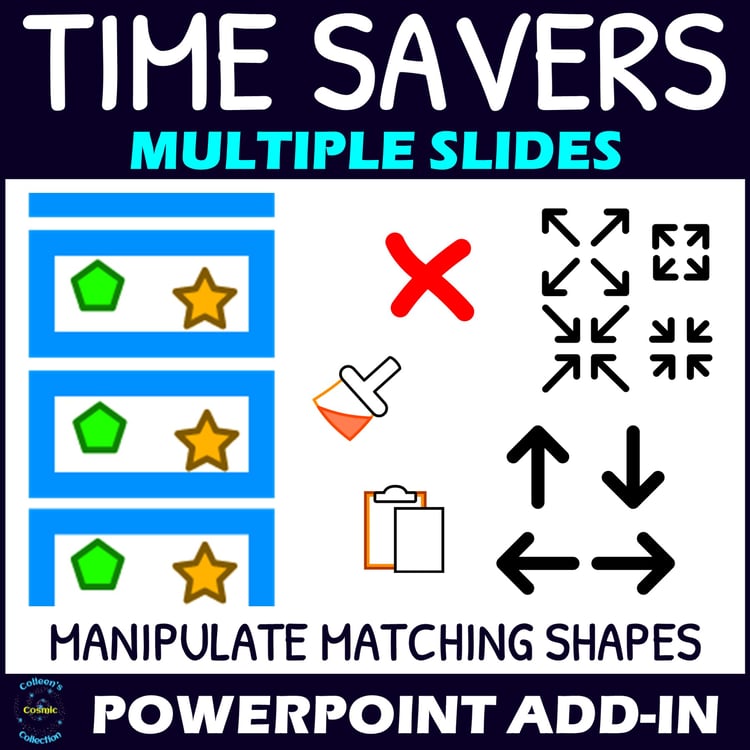
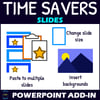
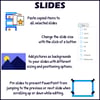
✨ Paste Objects to Multiple Slides at Once
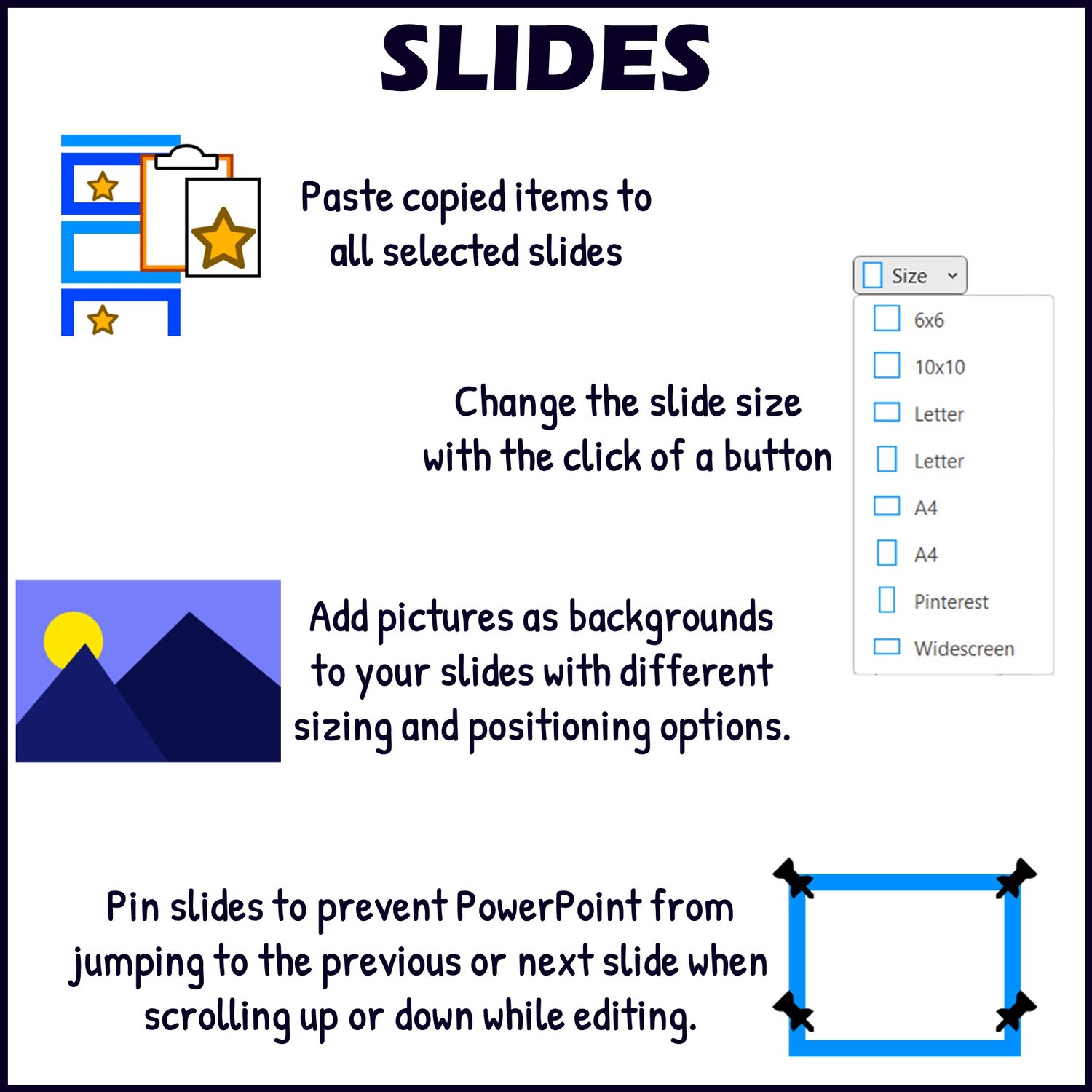
- Quickly paste shapes, images, text boxes, or other objects onto several selected slides in one click.
- Perfect for:
- Adding consistent headers or footers
- Placing logos across multiple slides
- Applying repeated design elements to a batch of slides
✨ Change Slide Size Instantly
- Switch slide dimensions without the usual tedious steps.
- Available preset sizes include:
- 6x6 inch square
- 10x10 inch square
- Letter (landscape and portrait)
- A4 (landscape and portrait)
- Widescreen
- 10x15 inch Pinterest format
- Boom Cards size
- Ideal for teachers creating diverse digital resources like task cards, posters, social media graphics, and interactive slides.
✨ Insert Backgrounds on Multiple Slides Simultaneously
- Apply the same image or background design to multiple slides at once.
- Perfect for saving time when:
- Updating slide templates
- Creating themed teaching resources
- Standardizing your classroom slide decks
✨ Pin Slides for Easier Editing
- Prevent PowerPoint from jumping around while editing by “pinning” specific slides in place.
- Essential for:
- Working on long presentations
- Avoiding navigation frustration
- Streamlining your editing process
✨ Additional Features
- In this add-in, “shapes” include not only standard shapes but also pictures, tables, and other PowerPoint objects—giving you even more creative flexibility.
What’s Included When You Purchase?
✔ A license activation PowerPoint file that unlocks the full functionality of the Slides group in the Time Savers Add-in.
✔ A detailed information file with:
- Step-by-step instructions for every feature.
- Links to video tutorials for visual guidance.
✔ Ongoing friendly support:
- Reach out any time for help using the add-in.
- Have an idea for a feature? I’m open to requests and will do my best to add valuable enhancements (where technically possible).
🎥 See It In Action!
Check out the preview video to see how easily you can save time, streamline your workflow, and transform how you work with slides in PowerPoint.
Stop wasting hours on repetitive slide tasks. Work faster and smarter with the PowerPoint Slides Productivity Add-in—and take your resources and presentations to the next level!
If you like this Add-in you might also be interested in these products:
Mac is a trademark of Apple Inc., registered in the U.S. and other countries and regions.
Microsoft and PowerPoint are trademarks of the Microsoft group of companies.
TERMS OF USE
All add-ins and generator from Colleen’s Cosmic Collection are the property of Colleen Schwartz.
As the original purchaser of this product, you have permission to use it for personal or commercial purposes. This licence is only for 1 person and is non-transferable. If more people wish to use this add-in, they need to purchase separate licences.
YOU MAY:
- Use this add-in for personal/student use in a single classroom with no restrictions!
- Use this add-in when creating commercial products. Giving credit to Colleen’s Cosmic Collection, with a clickable link to my store (https://www.teacherspayteachers.com/Store/Colleens-Cosmic-Collection), is appreciated, but not required.
- Tell others about this add-in and refer them to my store!
YOU MAY NOT:
- Claim my add-in as your own.
- Give this add-in to your friends or colleagues.
- Copy this add-in for use by others.
- Post this add-in on a website for download. This includes personal websites, district websites, Amazon Inspire, etc.
- Post this add-in or any like copy for sale or for free.
Thank you so much,
Colleen Schwartz